

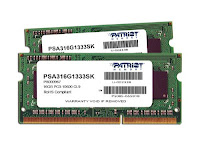
Objective :
As you know, PC memory (RAM) works at super fast speed. Maybe it is the second fasted factor in PC architecture (slower than CPU cache memory). This post will show you how to load and run Windows XP in RAM to see how fast it does run.
Requirement :
Suppose that you have already known how to :
- Make a vhd disk image which includes winxp.
- Make winxp to minimal size.
- Boot a vhd image by grub4dos.
Take these articles for detail guidance :
- http://www.alychitech.com/create-windows-xp-install-usb/
- http://www.alychitech.com/nlite-for-windows-xp/
Primary steps :
- Make a mini WinXP VHD disk image.
- Directly load the image from file.
- Map and load the image to RAM.
Steps in detail :
1. Make a vhd disk image include a mini winxp installation.
This step suppose that you have already known how to make an winxplite-iso disc. Read here for more detail : http://www.alychitech.com/nlite-for-windows-xp/
After you got the winxplite-iso disc, we need a temporarily space to hold the winxp installation before copying its content to a minimal size disk image. Create a new virtual machine and mount the winxplite-iso disc and install as usual. After finishing installation, you need to :
- Remove page-file.
- Update some devices to use standard driver.
- Install winVblock driver.
Read here for more detail : http://www.alychitech.com/create-windows-xp-install-usb/
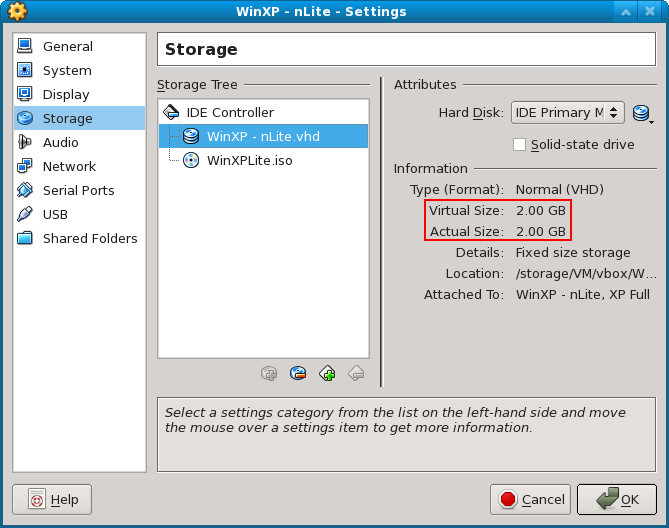

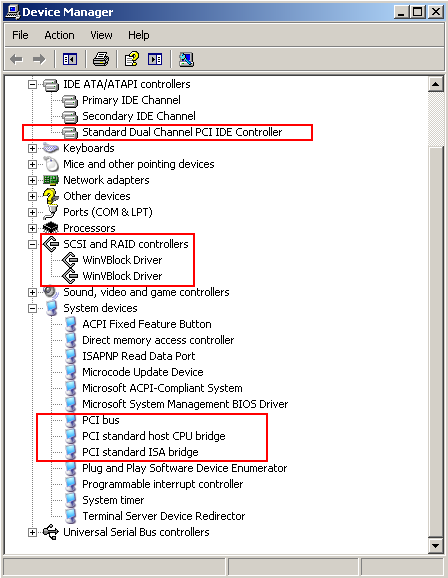
And we have a minimal winxp (about 400MB before compress), but the whole disk is still too big for putting in ram. 2GB for this case.
Next, we need to make the disk smaller by copying the whole winxp content to a new minimal disk image. To take this task you need a another machine which already have a running winxp (you can clone the first machine), this machine will act as the temporarily environment used for copying the winxplite to a new minimal vhd disk.
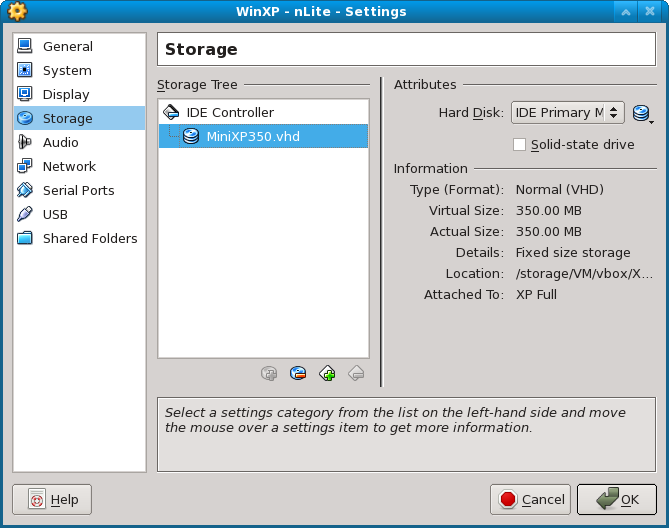
Create a new vhd with small size (about 350MB – fixed size vhd of course) and attach it to the temporarily machine.


Boot the machine, it will regconize the new 350MB disk. Format it with NTFS, check to enable NTFS compression, mark it active.
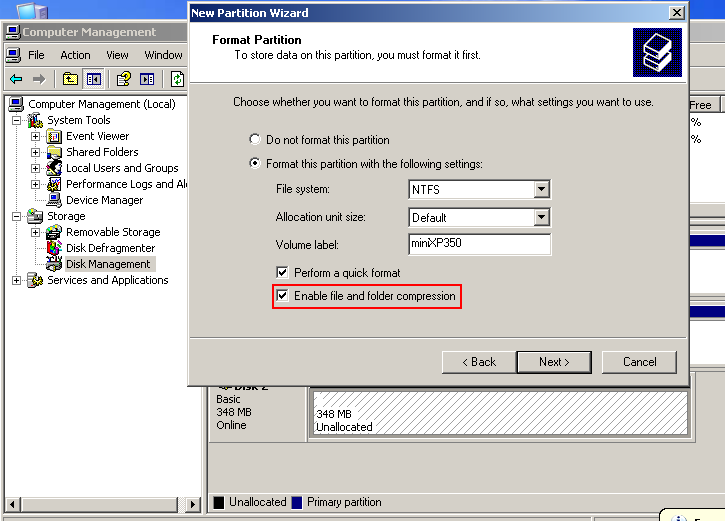

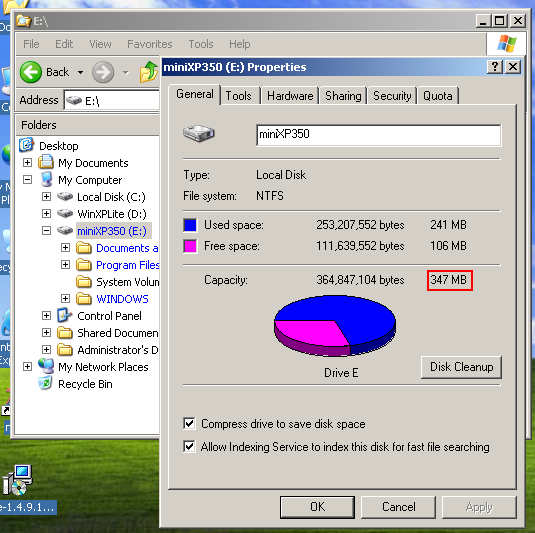
Suppose that the new disk 350MB has been mounted as drive E. Copy all the files (maybe ignore the Recycler and System Volume Information) from disk WinXPLite\ to drive E:\. Notice that drive E has been enable NTFS compression for saving space. NTLDR can not work on a compression disk, so you need to uncompress the file ntldr.


Now, we have a mini-winxp in a minisize disk image (240MB content after compression in a 350MB disk image). Next we need to make it bootable by using bootsect.exe /nt52. Then have a disk defragment on it.

Locate the file and copy it to a bootable USB disk (which installed grub4dos).

2. Directly load the image from file.
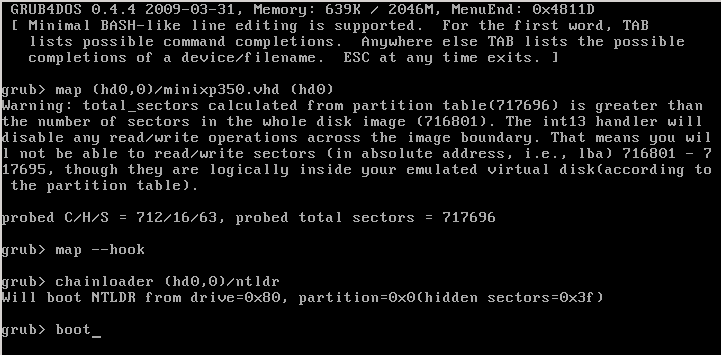
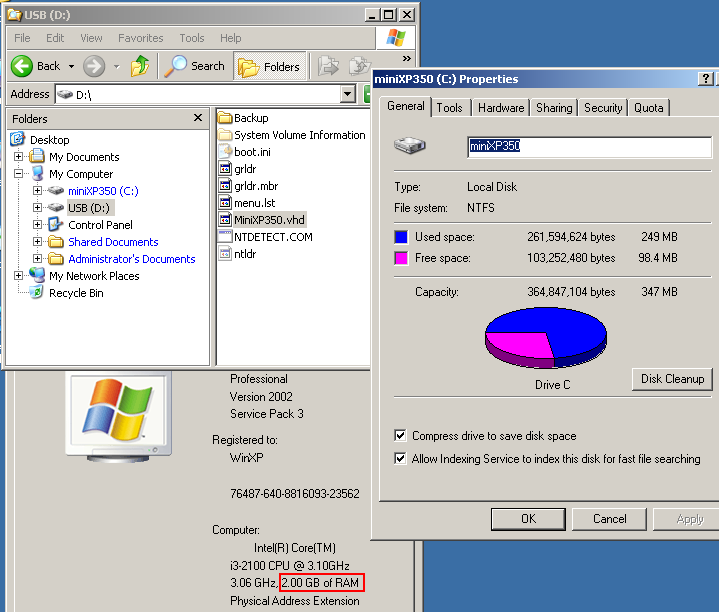
Boot the usb disk and directly load the vhd image (boot to file). Notice to see the memory after booting. In this case we used a 2GB RAM machine. Because we booted to file, so there was no changes with the memory size. In device manager, there will be a new winVblock disk appears.
Grub4dos# Map …
See Grub4dos Manual for option boot detail.
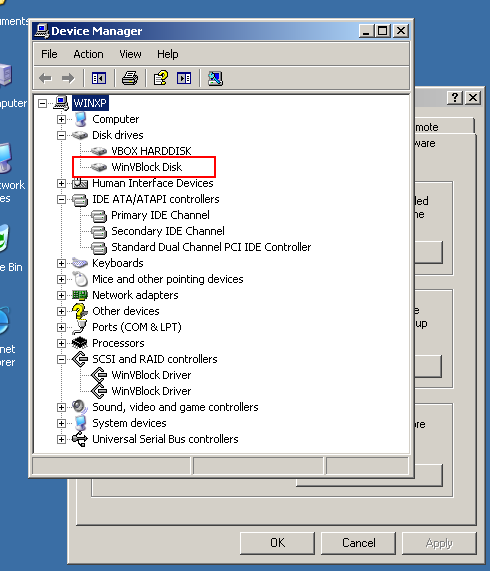
3. Map and load the image to RAM.
Now we use grub4dos with option –mem to load the image into RAM. Notice the memory will be decrease an amount equal to the size of the disk image. In this case it would be about 350MB.


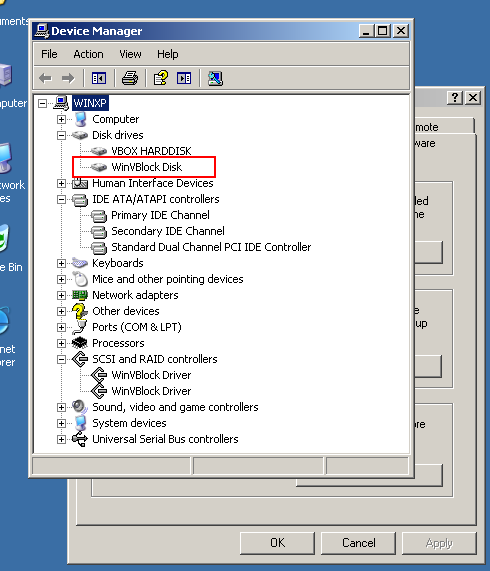
So, we’ve done for booting and running winxp in ram memory.
Hints and Tricks :
- Using NTFS compression for saving more space.
- If your PC has a lot amount of RAM, you can boot the full winxp in to RAM without using nlite to slimdown the winxp source.
Screencast video :
-End of post-





